
ChatGPT vs Claude for Academic Writing in 2026: Side-by-Side Comparison Table
Choosing between ChatGPT vs Claude for academic writing shapes more than just your daily workflow — it affects how accurate your arguments are, whether your citations hold up under scrutiny, and how your institution views your use of AI. Both tools have been significantly updated in 2026, and the gap between them for thesis and dissertation work is narrower than most comparison posts admit. This guide cuts through the noise with a hands-on breakdown: what each model actually does well, where both fall dangerously short, and why the right answer for many students may be neither as a standalone solution.
One critical warning before the specs: both ChatGPT and Claude can fabricate citations. Not occasionally — systematically, on niche or recent topics. A 2026 preprint tracking hallucinated references in commercial LLMs (including OpenAI Deep Research and Claude with retrieval) found citation accuracy varies dramatically based on topic recency, source obscurity, and retrieval configuration. No frontier model gets this reliably right out of the box. Build verification into your workflow from day one.
Side-by-Side Comparison Table
| Feature | ChatGPT Plus (GPT-4o) | Claude Pro |
|---|---|---|
| Price | $20/month | $20/month |
| Context window | 128K tokens (GPT-4o) | 200K tokens (standard) |
| Long-document handling | Good — can lose coherence near ceiling | Stronger — designed for extended document work |
| Citation accuracy | Hallucinates without retrieval; Deep Research improves accuracy | Hallucinates without retrieval; accuracy improves with search access |
| Academic prose quality | Competent but can read as generic | More varied and structurally coherent — stronger for humanities |
| STEM / data tasks | Stronger — code interpreter and data analysis built in | Capable, but fewer integrated data tools |
| Default data training | Free tier: opt-out required. Plus: must verify in Settings | Consumer: presents choice at setup; API: no training by default |
| Plagiarism / integrity check | None built in | None built in |
| Structured thesis workflow | Manual prompt chaining required | Manual prompt chaining required |
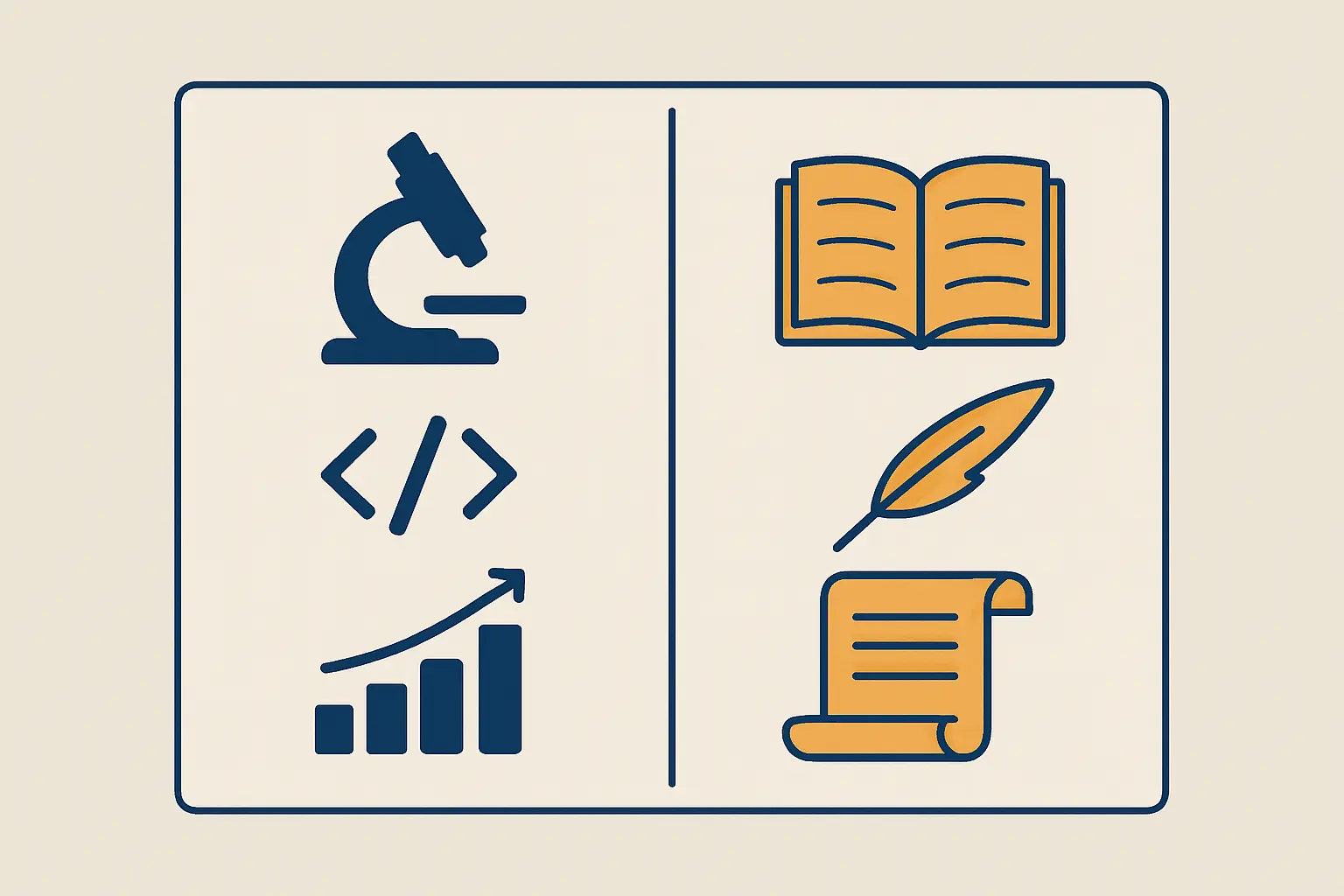
| Best for | STEM students, data analysis, quick tasks | Humanities, long dissertations, literature reviews |
Context Window & Long-Document Handling
For thesis and dissertation work, context window size is one of the most practical differentiators between these two tools. Claude Pro supports 200,000 tokens by default — enough to process an entire 80-page draft in a single conversation without losing the thread. ChatGPT Plus with GPT-4o tops out at 128,000 tokens, which handles most individual chapters comfortably but starts to strain when you try to feed your full manuscript alongside your literature notes simultaneously.
In sustained document work, Claude is more reliable at maintaining coherence across a long upload. Users working on multi-chapter dissertations consistently find that Claude tracks an argument across a full document, while GPT-4o starts introducing inconsistencies once you push toward its ceiling. For students at the $20/month tier who don’t want to pay more for extended API access, Claude’s 200K default is a concrete, day-to-day advantage. Both models extend to 1M tokens through higher plans or the API, but the standard consumer experience is meaningfully different.
Citation Accuracy & Hallucination Risk
This is where both models have a serious problem that too many comparison posts downplay. ChatGPT and Claude both fabricate citations — and they do it convincingly. Plausible author names. Realistic journal titles. Correct-looking DOIs attached to papers that simply do not exist.
Research published in Scientific Reports established the scale of this problem for ChatGPT-generated references in academic contexts, finding a significant proportion of generated bibliographic entries contained fabrications or errors. The 2026 preprint specifically tracking hallucinated references across commercial LLMs — including both OpenAI Deep Research and Claude with retrieval augmentation — confirmed that even the best-performing retrieval-augmented configurations produced citation errors on niche or recently published topics. An independent GPTZero analysis found over 100 confirmed hallucinated citations spanning more than 50 papers accepted to NeurIPS 2025, a premier peer-reviewed AI conference.
The practical rule is non-negotiable: treat every citation either tool generates as a lead to verify, not a finished reference. Cross-check against Google Scholar, your library portal, or Semantic Scholar before any AI-suggested source makes it into your submission. For guidance on how to correctly attribute AI-assisted reference generation when you do use it, see our guide on how to cite AI-generated content in 2026 (APA, MLA & Chicago).
Academic Writing Style & Tone
Claude has a consistent edge in prose quality for academic contexts. Writing coaches and editors who have tested both models extensively describe Claude’s output as more varied, more structurally coherent, and better suited to the register expected in humanities, social science, and qualitative research. If you need to write with a specific disciplinary voice — the carefully hedged, evidence-anchored style of a sociology dissertation, or the precise theoretical framing of a philosophy thesis — Claude responds to those constraints more reliably.
ChatGPT with GPT-4o is the stronger general-purpose tool. It handles structured formats well (tables, bullet outlines, numbered sections), integrates Python for data processing, and can run a code interpreter session directly alongside your writing. For STEM students writing mixed-methods chapters that include data analysis, statistical reporting, or code-based methodology sections, ChatGPT’s integrated toolset gives it a practical edge Claude currently lacks.
Both models default to generic academic-sounding prose. Without specific prompting about your institution’s conventions, your disciplinary register, and your citation style, both will produce output that can sound competent but feel undifferentiated from a thousand other AI-assisted submissions. Neither model removes the need for you to think, structure arguments, and write in your own voice — they are tools for acceleration, not substitution.
Privacy & Data Safety
Academic writing carries institutional sensitivity that general-purpose AI tools were not designed around. Sharing unpublished research questions, proprietary survey instruments, early-stage findings, or human subjects data with a commercial AI service raises genuine data governance questions.
ChatGPT: The free tier retains conversations for training and product improvement by default. ChatGPT Plus users can disable this via Settings > Data Controls, but the toggle is not prominently surfaced and many users leave it on without realising. ChatGPT Enterprise and Team plans ($30/user/month) offer zero data retention for training by contract, not just a setting you might forget to configure.
Claude: Claude’s default posture is more conservative. Consumer accounts present a data use choice at setup rather than defaulting you in silently. For API users, Anthropic does not use data for training without explicit opt-in. Claude holds SOC 2 Type II and ISO 42001 certification. Claude Team plans ($25/user/month) provide contractual no-training guarantees comparable to ChatGPT’s Team tier.
For most students working on personal devices with non-sensitive coursework, the practical difference is moderate. If you are working on sponsored research, research involving human subjects, or your institution has specific AI acceptable use policies, verify what plan you are actually on — and what data controls are actually enabled — before pasting chapter drafts into either service.
Pricing in 2026
At the $20/month consumer tier, ChatGPT Plus and Claude Pro are price-equivalent. Both Anthropic and OpenAI have deliberately aligned on this price point, making cost a non-differentiator at entry level. The meaningful differences appear above this tier:
- Claude Max: $100/month or $200/month — expanded usage limits and access to Claude Opus with its higher capability ceiling
- ChatGPT Pro: $200/month — expanded access and o-series reasoning models for complex analytical tasks
- Team plans: Claude Team at $25/user/month, ChatGPT Team at $30/user/month — both include contractual no-training data protections that the consumer plans do not guarantee by default
For most students, $20/month provides everything needed from either tool. The premium tiers become relevant primarily for heavy professional research use, API-level document processing, or teams working under institutional compliance requirements. Neither tool offers a student discount at the time of writing.
Best For: Use-Case Breakdown
- Are writing a STEM thesis and need integrated data analysis or code execution
- Want a broader ecosystem of custom GPT tools and plugins
- Primarily work on individual chapters rather than full-document uploads
- Already have a ChatGPT workflow and find it productive
- Are writing a humanities or social science dissertation requiring sustained argument across chapters
- Need to process your full manuscript in a single context window without truncation
- Prioritise prose quality and disciplinary register over breadth of tools
- Want a more conservative default privacy posture for sensitive research material
Tesify: The Purpose-Built Alternative
Both ChatGPT and Claude are general-purpose AI assistants that students have adapted for academic work. They were not designed for theses, do not understand your degree’s structural requirements by default, and carry no integrity layer. That is a description of what they are, not a flaw — they are optimised for breadth across millions of use cases, not depth on one specific workflow.
Tesify is built specifically for academic writing. It guides you through each chapter — introduction, literature review, methodology, results, discussion — with discipline-appropriate scaffolding. It is designed around the integrity-first principle that AI should support your thinking and help you express your own argument, not generate text for you to submit as original. It also avoids the citation fabrication problem that both ChatGPT and Claude exhibit, because it is not asked to generate citations from memory.
For a detailed look at how AI assistance can fit within your institution’s actual policies, the guide on what AI use is actually allowed for your thesis in 2026 covers the current policy landscape across UK, US, and Australian universities. Our roundup of the best AI writing tools for students in 2026 positions Tesify alongside both ChatGPT and Claude with specific use-case guidance across disciplines.
For an honest walkthrough of how ChatGPT specifically performs when students try to use it across a full dissertation project (including where it consistently fails), this guide to using ChatGPT for thesis writing covers real prompt examples, documented failure modes, and what the verification workflow needs to look like in practice.
Tesify structures every chapter, keeps your argument in your voice, and removes the citation fabrication risk that neither ChatGPT nor Claude can fully solve on their own.
Overall Verdict
For chatgpt vs claude for academic writing, the comparison in 2026 is genuinely close. Both cost $20/month at entry level, both have expanded context windows relative to prior years, and both have improved their structured reasoning and prose quality. Picking a clear winner depends entirely on what you are writing.
Claude edges ahead for sustained long-form academic work — the 200K context window, stronger disciplinary prose, and more conservative privacy defaults make it the better fit for humanities and social science students writing dissertations over weeks or months. ChatGPT Plus is the stronger choice for STEM students who need integrated data analysis, code execution, and plugin access alongside their writing workflow.
The critical caveat applies to both equally: neither tool is reliable for citation generation without independent verification. Both hallucinate academic references convincingly, and both have been documented doing so even in peer-reviewed publication contexts. Build a verification step into every AI-assisted session before any generated reference makes it into your submission. If you need an academic AI workflow that is structured for a dissertation rather than built around general-purpose prompting, the best AI thesis writers in 2026 covers how Tesify compares to both tools on a dissertation-specific rubric.
Frequently Asked Questions
Is Claude or ChatGPT better for writing a thesis?
Claude is generally the better choice for humanities and social science theses, particularly because of its larger 200K context window and stronger academic prose quality. ChatGPT Plus is the better option for STEM theses requiring data analysis, code execution, or heavy use of structured outputs. For either discipline, neither tool replaces a purpose-built academic writing platform with integrated citation checking and chapter-level scaffolding.
Do ChatGPT and Claude hallucinate academic citations?
Yes — both do, and both do so in ways that look convincing. Both models can generate author names, journal titles, volume numbers, and DOIs that appear credible but do not correspond to real publications. A 2026 study tracking reference hallucinations in commercial LLMs found this problem persists even with retrieval augmentation, particularly for recent or niche sources. Always verify any AI-suggested citation against your university library’s databases before including it in a submission.
Can I use ChatGPT or Claude for my university thesis without getting in trouble?
It depends entirely on your institution’s AI use policy. Most universities in 2026 permit AI assistance for editing, brainstorming, and structural guidance, but prohibit submitting AI-generated text as your own work without disclosure. Some institutions require an explicit AI use declaration in your submission. Check your specific faculty or department guidelines before using either tool for assessed work — policies vary widely even within the same university.
Is it safe to paste my unpublished thesis into ChatGPT or Claude?
On free tiers, both tools may use your conversations for model improvement unless you explicitly opt out. ChatGPT Plus users should confirm the “Improve the model for everyone” toggle is disabled in Settings > Data Controls. Claude consumer plans present a data use choice at setup. If you are working on sponsored research, research involving human subjects, or commercially sensitive material, both tools offer Team or Enterprise plans with contractual no-training guarantees that a settings toggle cannot match.
What is the context window difference between Claude and ChatGPT?
At the $20/month tier in 2026, Claude Pro offers 200,000 tokens by default while ChatGPT Plus with GPT-4o supports up to 128,000 tokens. In practical terms, 200K tokens is enough to load a full 80–100 page dissertation draft into a single conversation. Both tools extend to 1M tokens through higher plans or API access. For students regularly processing full-length academic documents in a single session, Claude’s larger standard context window is the more useful configuration.
Does Tesify replace ChatGPT or Claude for thesis writing?
Tesify solves a different problem. ChatGPT and Claude are general-purpose AI assistants that can help with thesis tasks but require you to design the entire workflow yourself, manage citation verification independently, and navigate institutional policy compliance manually. Tesify is built specifically for academic writing: it structures chapters according to your degree type and discipline, supports your own thinking rather than generating text for you to present as original, and is designed around integrity-first principles from the ground up. Many students use Tesify alongside one of the general-purpose tools for specific tasks rather than treating them as direct substitutes.