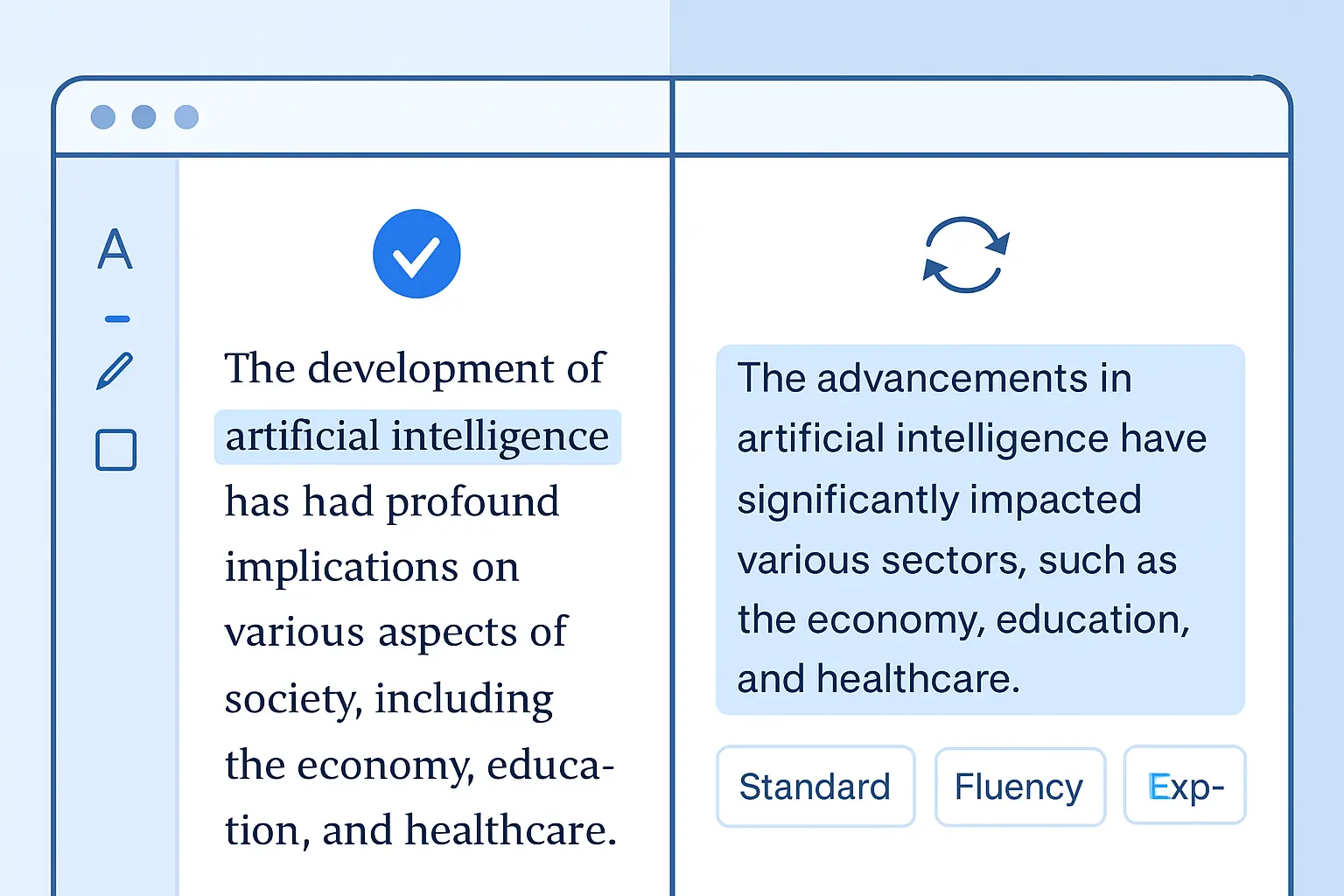
Grammarly vs QuillBot in 2026: Which Is Better for Academic Writing (Honest Comparison)
Grammarly vs QuillBot is the most common tool debate among students drafting dissertations and research papers in 2026 — and it deserves a straight answer. Both tools have improved substantially over the past year, both have free tiers, and both claim to make academic writing easier. But they solve fundamentally different problems, and choosing the wrong one for your workflow wastes money and, in QuillBot’s case, can create serious academic integrity risks you may not see coming.
This comparison is based on hands-on use of both tools across thesis drafts, literature reviews, and journal submissions. The verdict is clear — but it depends on what you actually need.
What Each Tool Actually Does
The grammarly vs quillbot debate often collapses the two tools into a single category of “AI writing helpers.” That framing is misleading. These tools were built for different primary jobs.
Grammarly is a grammar and writing clarity engine. Its core function is to analyse your own writing — sentences you have already drafted — and surface errors in grammar, punctuation, spelling, word choice, tone, and conciseness. In 2026, Grammarly Pro (the rebranded Premium/Business tier) also bundles an AI rewriter, a plagiarism detector, and AI content detection. It integrates directly with your browser, Google Docs, Microsoft Word, and most writing environments.
QuillBot is a paraphrasing and content transformation platform. Its core function is to take a passage — yours, a source’s, or AI-generated text — and rewrite it across nine different modes (Standard, Fluency, Academic, Simple, Creative, Expand, Shorten, Formal, and Custom). In 2026, QuillBot Premium also includes a grammar checker, plagiarism detection (up to 20 pages per month), AI detector, AI humanizer, summarizer, citation generator, and translator. It is primarily web-based.
The important distinction: Grammarly helps you write better. QuillBot helps you rewrite existing text. For academic work, that difference matters enormously.
Feature-by-Feature Comparison
| Feature | Grammarly Pro | QuillBot Premium |
|---|---|---|
| Grammar & spelling correction | ✔ Advanced (primary feature) | ✔ Basic–Moderate |
| Paraphrasing | ✔ AI rewriter | ✔ Best-in-class (9 modes, unlimited) |
| Summarizer | Limited | ✔ Full summarizer tool |
| Plagiarism detection | ✔ Unlimited pages | ✔ 20 pages/month |
| AI content detection | ✔ Included | ✔ Included |
| AI humanizer | ✘ | ✔ Included |
| Citation generator | ✘ | ✔ APA, MLA, Chicago |
| Tone detection | ✔ Advanced | ✔ Basic |
| Translator | ✘ | ✔ Included |
| Word processor integration | ✔ Word, Docs, browser | Web-based (extensions available) |
| Style guide / brand voice | ✔ Pro only | ✘ |
| Free plan word limit | Unlimited (basic checks) | 125 words (paraphraser) |
For academic writing specifically, Grammarly’s unlimited plagiarism detection and deep integration with Word and Google Docs give it a clear edge at the polishing stage. QuillBot’s nine paraphrase modes and built-in citation generator make it more useful at the research and drafting stage — but with significant caveats explored below.
If you want a broader view of how these tools stack up against the full field of AI academic tools, the independent test at Best AI Tools for Academic Writing Compared 2026 (Tested & Ranked) is worth reading alongside this comparison.
Pricing in 2026
| Plan | Grammarly | QuillBot |
|---|---|---|
| Free | $0 (basic grammar, unlimited text) | $0 (125-word paraphrase limit, 2 modes) |
| Paid — billed monthly | $30/month | $19.95/month |
| Paid — billed annually | $12/month ($144/year) | $8.33/month ($99.95/year) |
| Student discount | Occasional promotions | $6.25/month (annual, verified student email) |
| Refund policy | No refund policy | 3-day money-back guarantee |
QuillBot is meaningfully cheaper — nearly 30% less than Grammarly Pro on annual billing, and QuillBot offers an explicit student rate that Grammarly does not match in 2026. For students on tight budgets, that gap is real. However, price should not be the deciding factor if you are approaching submission and need the deepest possible grammar and clarity checks: Grammarly’s strength at the polishing stage can justify the premium.
The Academic Integrity Warning
This section is the most important part of any honest Grammarly vs QuillBot review for academic writers.
QuillBot’s paraphraser is powerful — and that power cuts both ways. Many students use it to rephrase AI-generated content (from ChatGPT or similar tools) before submitting, believing the rewrite will evade detection. It is not working the way they expect.
Turnitin’s AI report, updated throughout 2025 and 2026, now includes a distinct purple highlight category specifically for text that appears to have been AI-generated and then rewritten by a paraphrasing tool. Independent testing published in 2026 found that a substantial proportion of QuillBot-paraphrased AI content triggers this purple flag. The consequence is not just a high similarity score — it is a finding that implies deliberate concealment, which most academic institutions treat far more seriously than straightforward AI use.
QuillBot used legitimately — to rephrase your own clearly attributed ideas, or to check alternative word choices during early drafting — is a valid writing aid. The problem arises when it is used to launder AI-generated text into something that looks human-written. Turnitin’s model recognises the structural fingerprint of paraphrase-tool output: the particular way synonyms are substituted, the sentence-restructuring patterns that differ from how human writers revise.
For a detailed breakdown of what Turnitin’s AI detection actually catches and how to check your work safely before submission, see our guide on how to check for plagiarism in 2026. And if you need a side-by-side review of which plagiarism checkers give the most reliable pre-submission results, our best plagiarism checker comparison for 2026 covers that in full.
Grammarly: Pros & Cons for Academic Writers
- Deep grammar and syntax analysis — catches errors most spell-checkers miss
- Tone detection flags overly informal phrasing before your supervisor does
- Unlimited plagiarism detection with no monthly page cap
- Direct integration inside Word and Google Docs (real-time, as you write)
- Style guide and brand voice features useful for students writing multiple papers with consistent voice requirements
- AI text detection included in Pro
- No citation generator — you still need Zotero, Mendeley, or a separate tool
- Monthly billing ($30/month) is expensive if you only need it for submission season
- No student discount pricing in 2026
- No refund policy — you pay upfront with no recourse
- AI rewriter is useful but not as flexible as QuillBot’s multi-mode paraphraser
QuillBot: Pros & Cons for Academic Writers
- Best paraphrasing engine available in 2026 — nine modes, unlimited words on Premium
- Built-in citation generator (APA, MLA, Chicago) saves time during literature review
- Summarizer condenses long papers and research articles quickly
- Translator useful for international students reviewing non-English sources
- Cheaper than Grammarly — student plan at $6.25/month annually
- 3-day refund policy gives you a real test window
- Paraphrasing AI-generated text creates Turnitin’s purple AI-paraphrase flag — a serious integrity risk
- Grammar checker is not as thorough as Grammarly’s for complex academic syntax
- Plagiarism detection capped at 20 pages per month on Premium
- Primarily web-based — no deep word processor integration for in-document editing
- Free plan paraphrase limit (125 words) is too restrictive for meaningful thesis use
Verdict: Which Tool Should You Use?
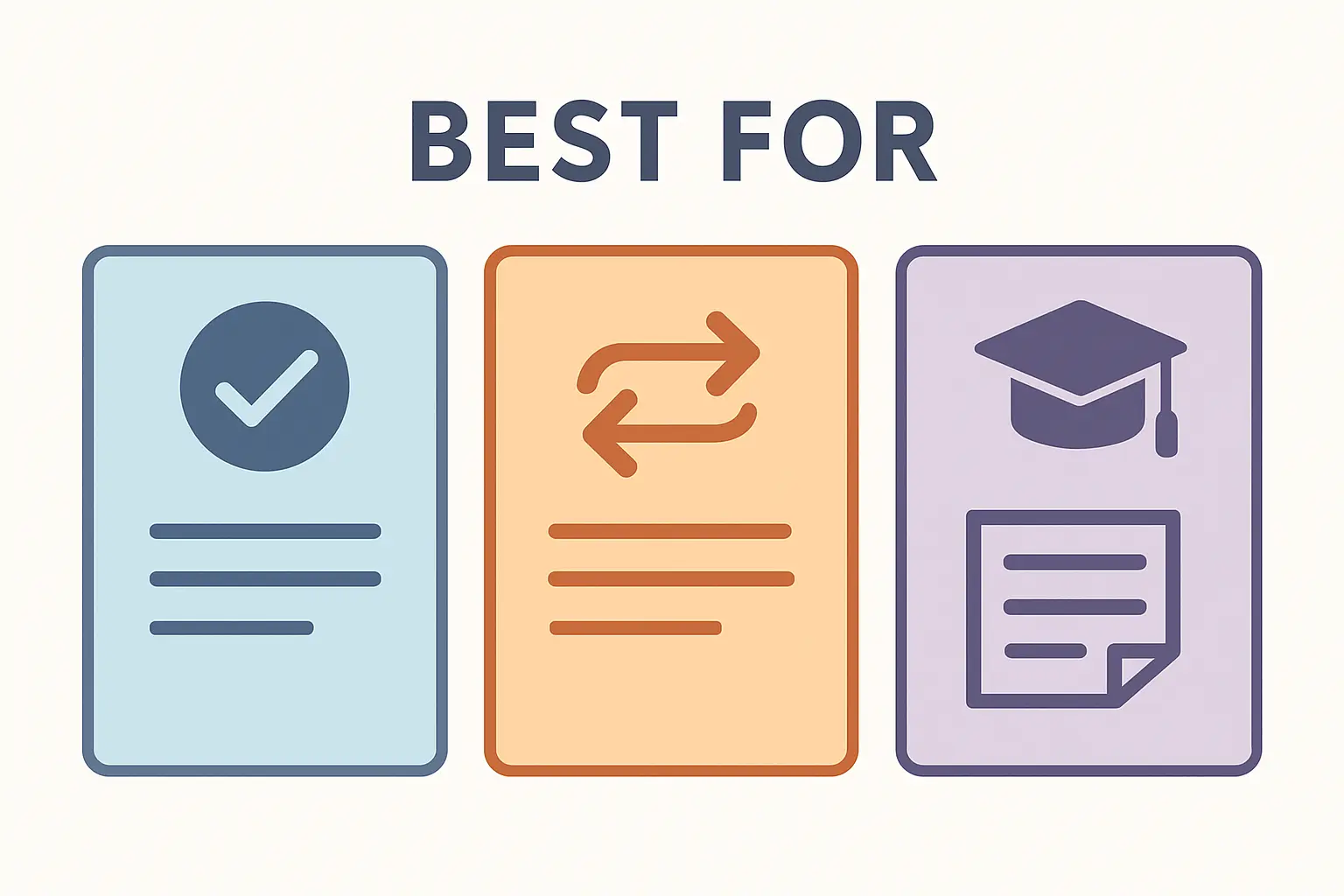
Use Grammarly Pro if:
- You are writing your own thesis and need precise grammar, tone, and clarity feedback on your own prose
- You want unlimited plagiarism detection with no page caps
- You write directly in Word or Google Docs and want real-time inline suggestions
- You are in the final proofreading stage before submission
Use QuillBot Premium if:
- You need to rephrase dense academic source material into your own words (with the source cited)
- You want to summarise long research papers quickly during literature review
- You write in multiple languages and need built-in translation
- Budget is a constraint and you want the cheapest full-featured academic tool
Consider Tesify if:
Neither tool was built for the full thesis workflow. Grammarly cannot help you structure a methodology chapter. QuillBot cannot generate properly cited literature reviews. Tesify is built specifically for dissertation and thesis writing — it helps you draft, structure, and cite original work from the ground up, without the integrity risks that come from paraphrasing tools. For students working on longer academic projects, it is the integrity-first alternative that neither Grammarly nor QuillBot provides. See how it fits into a broader AI toolkit in our guide on AI academic writing assistants in 2026, or explore how it helps you move from raw sources to a structured review using the AI literature review generator.
Can you use both? Many students do — Grammarly for final-pass proofreading and QuillBot for condensing sources during early research. If you go that route, follow one rule: QuillBot touches your own original sentences and properly cited paraphrases only. It never touches AI-generated output you intend to submit.
Frequently Asked Questions
Is Grammarly better than QuillBot for academic writing?
For proofreading and grammar correction on your own prose, Grammarly Pro is better. Its grammar engine is more thorough, its integration with Word and Google Docs is more seamless, and its plagiarism detection has no monthly page cap. QuillBot leads specifically in paraphrasing and summarising — tasks more relevant at the research and drafting stage than at submission.
Can Turnitin detect QuillBot paraphrasing in 2026?
Yes. Turnitin’s AI report includes a purple-highlight category specifically designed to identify text that was AI-generated and then paraphrased by a tool like QuillBot. Independent testing in 2026 shows a meaningful proportion of QuillBot-paraphrased AI content triggers this flag. Using QuillBot to mask AI-generated work is considered a deliberate attempt to deceive, which most universities treat more severely than straightforward AI use.
Which is cheaper — Grammarly or QuillBot?
QuillBot is cheaper. QuillBot Premium costs $8.33/month on the annual plan ($99.95/year), with a student rate of $6.25/month. Grammarly Pro costs $12/month on the annual plan ($144/year) with no dedicated student pricing in 2026. QuillBot also offers a 3-day refund guarantee; Grammarly does not.
Does QuillBot have a free plan for students?
Yes. QuillBot’s free plan is permanent and includes paraphrasing, but limits you to 125 words per query and only two paraphrase modes (Standard and Fluency). That is not enough for thesis-length paraphrasing tasks; you will quickly hit the cap when working with dense academic paragraphs. Grammarly’s free plan is more useful on the free tier because it offers unlimited basic grammar checking without a word cap.
Does QuillBot have a citation generator?
Yes. QuillBot Premium includes a citation generator that supports APA, MLA, and Chicago formats. You can create, save, and organise full bibliographies within the platform. Grammarly Pro does not include a citation generator, so students using Grammarly will still need a separate reference manager for citations.
Can I use Grammarly and QuillBot together?
Yes, and many academic writers do. A common workflow is to use QuillBot during the research and early-drafting phase to summarise sources and explore alternative phrasing for your own ideas, then switch to Grammarly for final proofreading before submission. The key constraint: never run AI-generated content through QuillBot and submit it — that combination is what Turnitin’s purple flag is specifically trained to detect.