How to Format a Paper in APA 7 Step by Step (2026)
Your argument might be excellent, but a single formatting error can knock marks off before a professor reads a word. APA 7 — the American Psychological Association’s seventh edition, published in 2019 and still the standard in 2026 — has specific rules for everything from the width of your margins to the exact way a heading on page four should look. This guide walks you through how to format a paper in APA in nine numbered steps you can work through tonight, with a concrete example at every stage.
One important note upfront: APA 7 introduced a formal split between student papers (course assignments, dissertations) and professional papers (manuscripts submitted to journals). Most rules are the same, but the title page and running head differ. This guide focuses on student papers and flags professional-only rules where relevant.
Step 1: Set Up Your Page Layout
Open your word processor and make these four settings before you type a single word. Getting them right first means you will never have to reformat a finished draft.
Margins
Set all four margins — top, bottom, left, right — to 1 inch (2.54 cm). In Microsoft Word: Layout → Margins → Normal. In Google Docs: File → Page setup → Margins, enter 1 for each side.
Font
APA 7 accepts any accessible, consistently applied font. The most commonly accepted options are:
- Times New Roman, 12pt — the default expected by most instructors
- Calibri, 11pt
- Arial, 11pt
- Georgia, 11pt
- Lucida Sans Unicode, 10pt
Pick one and stick with it throughout — including headings, captions, and the reference list. Never mix fonts in the same document.
Line spacing
Double-space everything — including the title page, abstract, body text, block quotations, reference list, table notes, and appendices. There are no single-spaced or 1.5-spaced sections anywhere in an APA paper.
Paragraph indentation
Indent the first line of every body paragraph 0.5 inches. Use the paragraph-indent setting in your word processor, not the Tab key — it is more reliable. The only paragraphs that do not get a first-line indent are the abstract and block quotations.
Paper size
Standard US Letter (8.5 × 11 inches / 21.59 × 27.94 cm). If you are submitting in a country that uses A4, check whether your institution requires Letter or A4.
Step 2: Build the Title Page
The student title page in APA 7 contains six elements, all centered in the upper half of the page. They appear in this exact order, all double-spaced:
- Paper title — bold, title case, placed three or four lines down from the top margin. If the title runs to two lines, both lines are centered.
- Author name(s) — first name, middle initial (if used), last name. Do not include titles or degrees (no “Dr.” or “PhD”).
- Institutional affiliation — department name, then university name on separate lines. Example: Department of Psychology / University of Edinburgh.
- Course number and name — as listed in the course catalog. Example: PSYC 3301: Research Methods.
- Instructor name — include the title they prefer: Professor Alicia Nwosu or Dr. James Hartley.
- Assignment due date — spelled out in full. Example: March 20, 2026.
Example title page layout
Social Media Use and Academic Procrastination Among Undergraduates
Maya R. Thompson
Department of Educational Psychology, University of Leeds
EDPY 2204: Applied Research Methods
Dr. Sarah Glenister
April 15, 2026

No horizontal rules, decorative elements, or images belong on an APA title page. Keep it clean.
Step 3: Configure the Header and Page Numbers
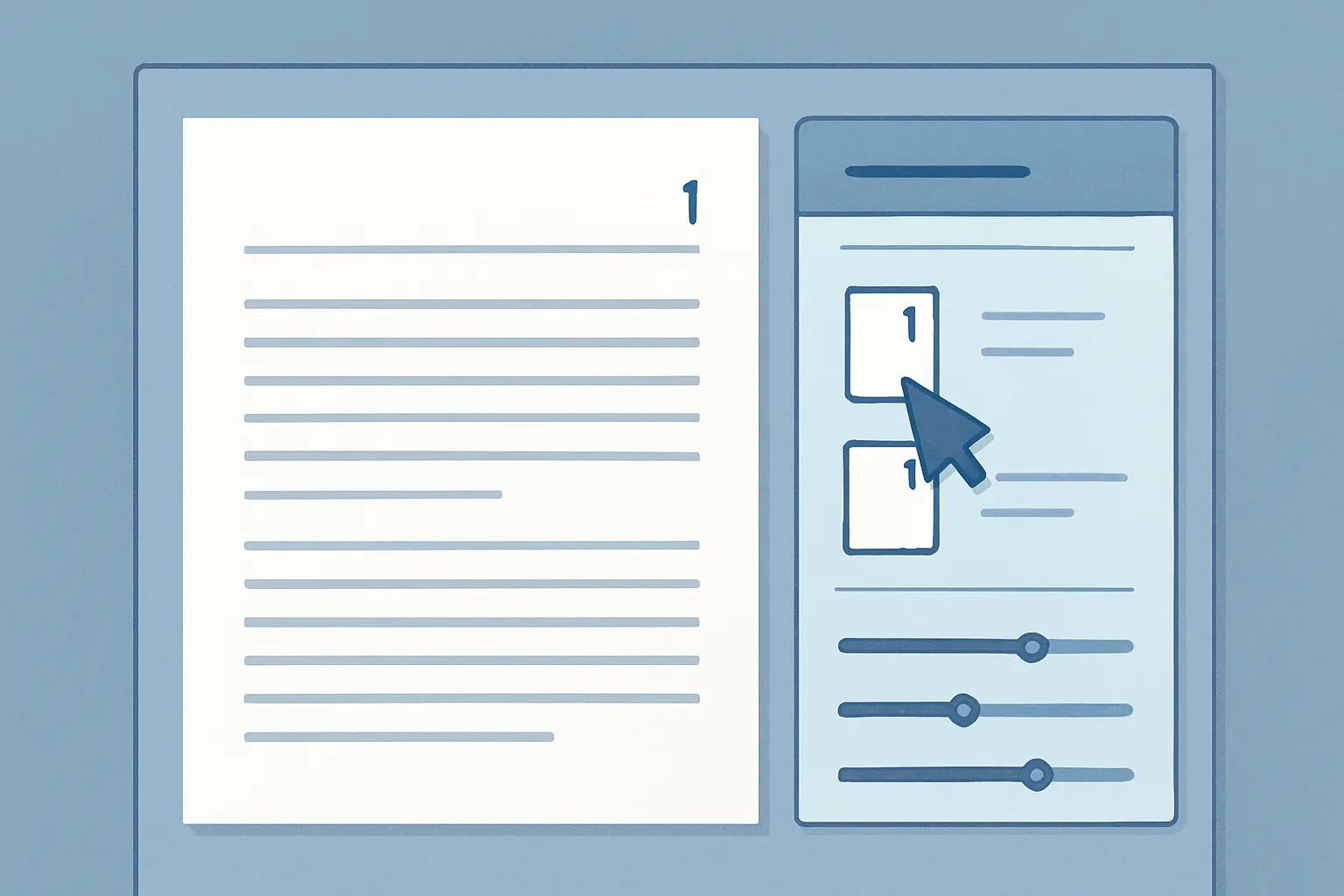
This is where APA 7 differs most visibly from APA 6. Many students still add a running head to student papers out of habit — you no longer need to.
Student papers
Insert a page number in the top-right corner of the header, starting with 1 on the title page. That is all. There is no running head unless your instructor explicitly asks for one.
In Word: Insert → Header → Blank → delete placeholder text → insert page number → align right. Make sure “Different First Page” is unchecked so the number appears on page 1.
Professional papers only
If you are submitting a manuscript for publication, you must also include a running head: an abbreviated title in ALL CAPITALS, no more than 50 characters (including spaces), flush left. It appears on every page in the same format. Example: SOCIAL MEDIA AND ACADEMIC PROCRASTINATION — with the page number right-aligned on the same line.
Step 4: Write (or Skip) the Abstract
Abstracts are required for many research reports and theses but are optional for most course papers. Check your assignment brief. If your instructor does not ask for one, skip this section entirely.
When required, the abstract appears on page 2 (its own page). Format it like this:
- Heading: Abstract — centered, bold, no italics.
- Single paragraph, no first-line indent.
- Maximum 250 words.
- Cover: research question, method, key findings, and conclusion.
- Optional: add a Keywords line one line below — indent 0.5 inches, the word Keywords: in italics, followed by three to five lowercase terms separated by commas.
Keywords line example
Keywords: academic procrastination, social media, undergraduate students, self-regulation
Step 5: Use the Five Heading Levels Correctly
APA 7 uses five heading levels organised hierarchically. You do not need to use all five in every paper — use only as many levels as your structure requires, starting with Level 1. Here is the complete formatting for each level:
| Level | Format | Example |
|---|---|---|
| 1 | Centered, Bold, Title Case — paragraph begins on next line | Method |
| 2 | Flush Left, Bold, Title Case — paragraph begins on next line | Participants |
| 3 | Flush Left, Bold Italic, Title Case — paragraph begins on next line | Inclusion Criteria |
| 4 | Indented, Bold, Title Case, ending period — text continues on same line | Age and Gender. Participants ranged… |
| 5 | Indented, Bold Italic, Title Case, ending period — text continues on same line | Self-Reported Age. Each participant… |
Most undergraduate essays need only Levels 1 and 2. A dissertation methods chapter might use Levels 1, 2, and 3. Do not skip levels — if you are using Level 3, you must have a Level 2 in the same section.
Step 6: Format In-Text Citations
Every source you quote, paraphrase, or summarise needs an in-text citation pointing to the full entry in your reference list. APA 7 uses the author-date format. Here are the main patterns:
One author
Parenthetical: The study confirmed a significant correlation (Nguyen, 2024).
Narrative: Nguyen (2024) found a significant correlation.
Two authors
Always list both, connected by an ampersand (&) inside parentheses, or “and” in narrative text.
Parenthetical: (Kim & Patel, 2023)
Narrative: Kim and Patel (2023) argued…
Three or more authors
APA 7 uses et al. from the very first citation — even the first time you mention this source. This is one of the key changes from APA 6.
Example: (Morrison et al., 2022)
No author
Use a shortened version of the title in title case, in quotation marks for articles or italics for books.
Example: (“Anxiety Disorders,” 2023) or (Diagnostic Manual, 2022)
Direct quotation
Always include the page number (or paragraph number for paginated sources).
Example: “Procrastination is not a time-management problem” (Steel, 2020, p. 45).
Narrative: Steel (2020) argues that “procrastination is not a time-management problem” (p. 45).
Block quotations (40+ words)
When a direct quote reaches 40 words or more, format it as a block quotation: indent the entire passage 0.5 inches from the left margin, remove the quotation marks, and place the citation in parentheses after the final punctuation mark. The citation itself has no period after it.
For full guidance on citing online and digital sources, see the dedicated guide on how to cite a website in APA 7.
Step 7: Build the Reference List
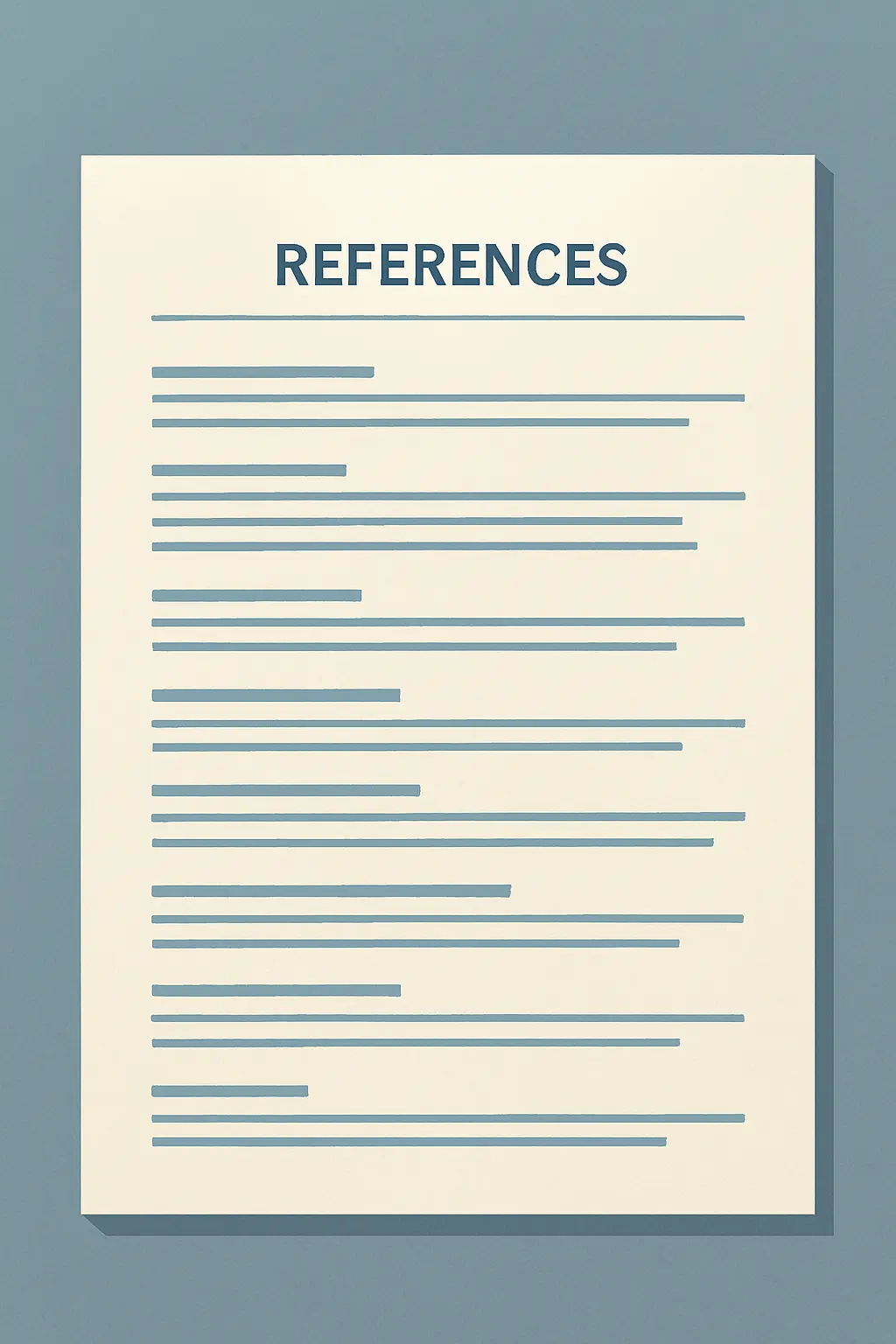
The reference list begins on a new page immediately after the body of your paper. Follow these rules precisely:
- Heading: References — centered, bold, on the first line of the page.
- Alphabetical order by the author’s last name.
- Double-spaced throughout — no extra space between entries.
- Hanging indent: the first line of each entry is flush with the left margin; every subsequent line indents 0.5 inches.
- Use sentence case for article and chapter titles (only capitalise the first word, the first word after a colon, and proper nouns).
- Italicise book titles, journal names, and volume numbers.
- Include a DOI as a hyperlink (https://doi.org/…) where available. No period after a URL or DOI.
Journal article
Book
Website / online article
Up to 20 authors are now listed in full before using an ellipsis in APA 7 — a significant expansion from the six-author limit in APA 6. For sources with 21 or more authors, list the first 19, add an ellipsis (…), then the final author’s name.
Comparing citation styles? See the MLA 9 complete format guide and the Harvard referencing guide for 2026 to understand where the systems differ.
For a deeper dive into every source type with copy-paste examples, the complete APA citation format reference on Tesify covers books, chapters, datasets, social media posts, and more.
Step 8: Format Tables and Figures
Tables and figures follow the same structural logic in APA 7 — number, then title, then content, then note.
Tables
- Table number (e.g., Table 1) — bold, above the table, flush left.
- Table title — italicised, title case, immediately below the number, flush left.
- The table body itself — no vertical lines; horizontal lines only above and below the header row and at the bottom of the table.
- Note — if needed, flush left below the table. Begin with Note. in italics, then a general note, then specific notes (marked a, b, c), then probability notes. Example: Note. Data drawn from the 2024 campus survey (n = 312).
Figures
- Figure number (e.g., Figure 1) — bold, above the figure, flush left.
- Figure title — italicised, title case, immediately below the number.
- The image or graph itself.
- Note — same format as table notes; use this to credit adapted or reprinted images.
Tables and figures can be placed either within the text (immediately after the paragraph that first mentions them) or on separate pages after the reference list — follow your instructor’s preference.
Step 9: Run the Final Pre-Submission Checklist
Before you submit, work through this list line by line:
| Element | Check |
|---|---|
| 1-inch margins on all sides | ☐ |
| Consistent font throughout (size included) | ☐ |
| Everything double-spaced (including references) | ☐ |
| Every paragraph indented 0.5 inches | ☐ |
| Title page has all six required elements | ☐ |
| Page numbers top-right on every page (starting at 1) | ☐ |
| No running head (student paper) | ☐ |
| All headings match the correct APA level format | ☐ |
| Every in-text citation has a matching reference entry | ☐ |
| References page: centered bold heading, alphabetical order, hanging indent | ☐ |
| DOIs formatted as https://doi.org/… hyperlinks | ☐ |
| Tables and figures: numbered, titled, with notes if applicable | ☐ |
If your paper includes an original argument or research question that you are still refining, working on that before formatting saves you from restructuring headings later. The guide on how to write a strong introduction step by step walks through structuring the opening section of your paper — useful to do before you lock in your Level 1 headings.
Formatting is one layer of academic integrity. Accurate citation is the other: even a correctly formatted reference list can contain plagiarism if the paraphrasing is too close to the source. See the full guide on how to avoid plagiarism in 2026 for strategies that protect your work.
Format your references automatically with Tesify
Manually typing every reference entry is time-consuming and error-prone. Tesify generates APA 7 (and MLA, Chicago, Harvard, Vancouver) reference lists automatically as you write, so you can focus on the argument rather than the punctuation of a hanging indent. Free to start — no credit card required.
Frequently Asked Questions
Do student papers need a running head in APA 7?
No. APA 7 removed the running head requirement for student papers. You only need a page number in the top-right header. A running head is still required for professional papers being submitted for publication.
What font should I use for an APA 7 paper?
APA 7 accepts several fonts used consistently throughout: Times New Roman 12pt, Calibri 11pt, Arial 11pt, Georgia 11pt, Lucida Sans Unicode 10pt, or Computer Modern 10pt. Times New Roman 12pt remains the most widely accepted option. Check with your instructor if unsure.
How do I cite a source with three or more authors in APA 7?
In APA 7, use the first author’s last name followed by “et al.” from the very first citation — even when you cite that source for the first time. Example: (Brown et al., 2024). This is a change from APA 6, which listed all authors up to six on first mention.
What is the difference between an APA abstract and an introduction?
An abstract is a standalone, self-contained summary (maximum 250 words) placed before the body of the paper on its own page. It summarises the research question, method, results, and conclusions. An introduction is the opening section of the paper body that builds the argument context and states the paper’s purpose. Most course papers do not require an abstract; check your assignment brief.
How do I format a block quotation in APA 7?
Any direct quote of 40 words or more must be formatted as a block quotation: indent the entire quote 0.5 inches from the left margin, remove quotation marks, and place the parenthetical citation after the final punctuation mark. Example: (Smith, 2024, p. 112).
Does the reference list come before or after appendices in APA 7?
The References page comes immediately after the body of the paper. Appendices follow the References page. The order is: Title Page → Abstract (if required) → Body → References → Appendices → Supplemental Materials.